
ZenithBar is a productivity tool listed on MediaProNet, available at zenithbar.com.br. Built with Electron. Added in 2026. Bring clipboard, media, files and calendar into one island at the top of your Windows desktop.
ZenithBar is a compact activity island that sits at the top of your Windows desktop, keeping the tools you reach for constantly within a glance instead of behind five separate windows. It brings together now-playing media controls, clipboard history for text, links and images, a persistent file shelf, calendar events and a date-based to-do list, quick launchers for apps and websites, browser...
- Category
- Productivity
- Domain
- zenithbar.com.br
- Added
- Tech
- Electron
- Domain Rating
- DR 1
ZenithBar Preview
Open in new tab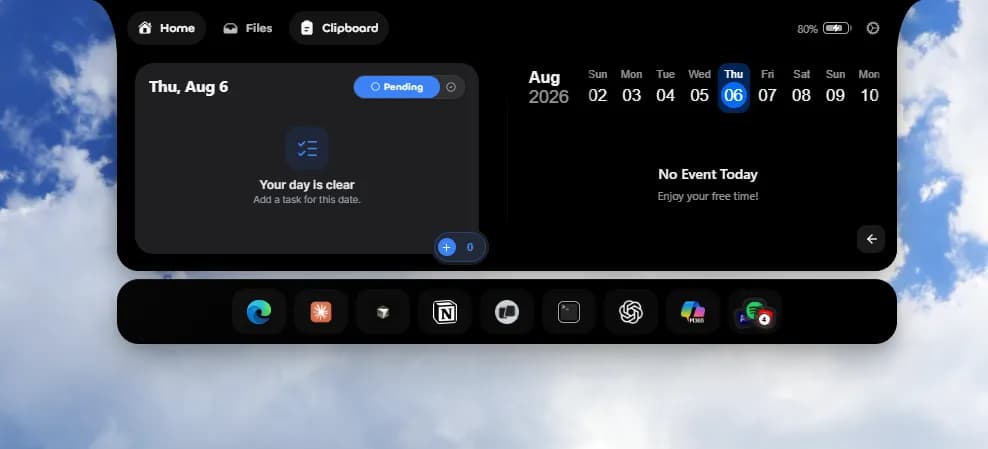
About ZenithBar
ZenithBar is a compact activity island that sits at the top of your Windows desktop, keeping the tools you reach for constantly within a glance instead of behind five separate windows.
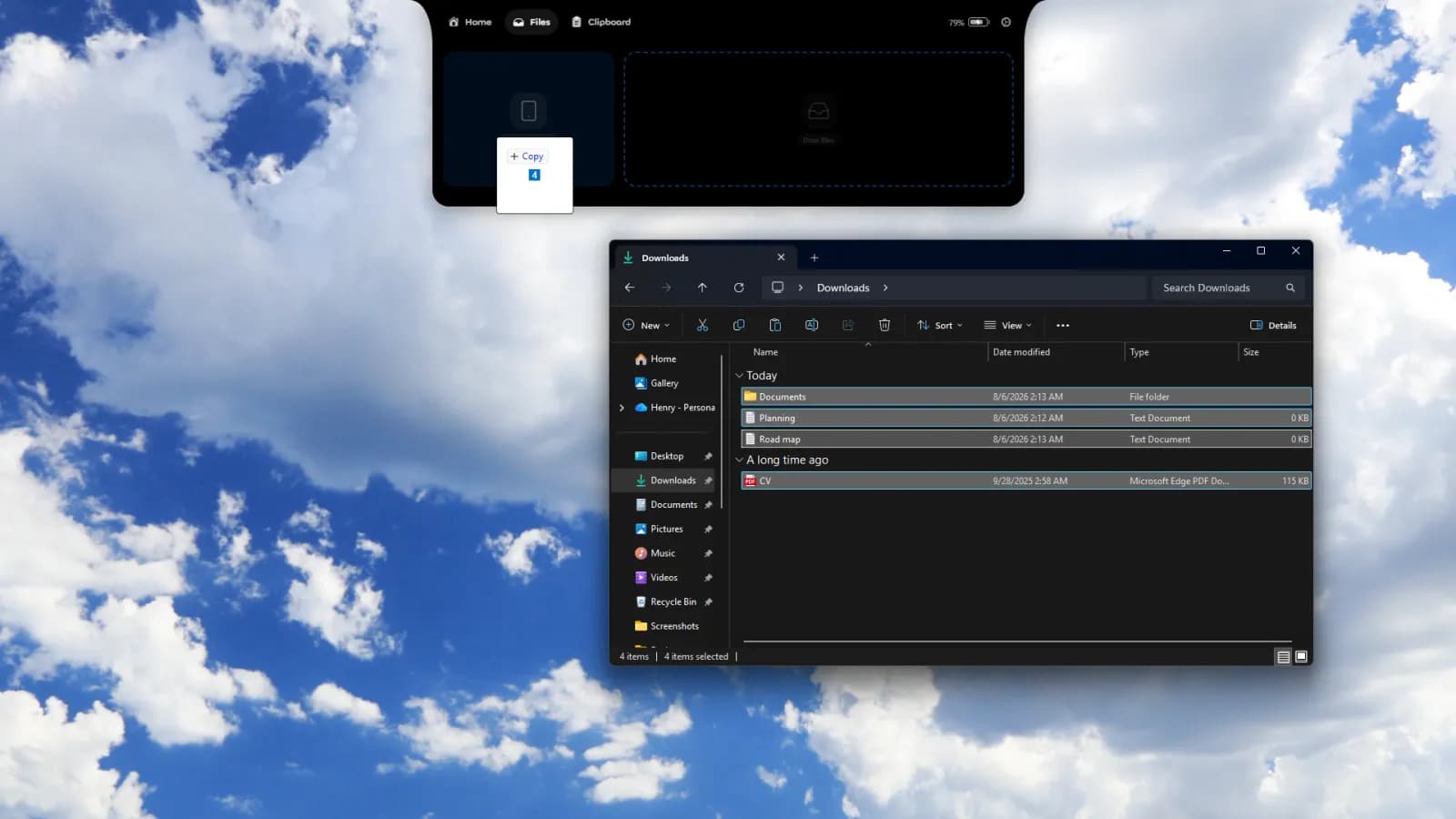
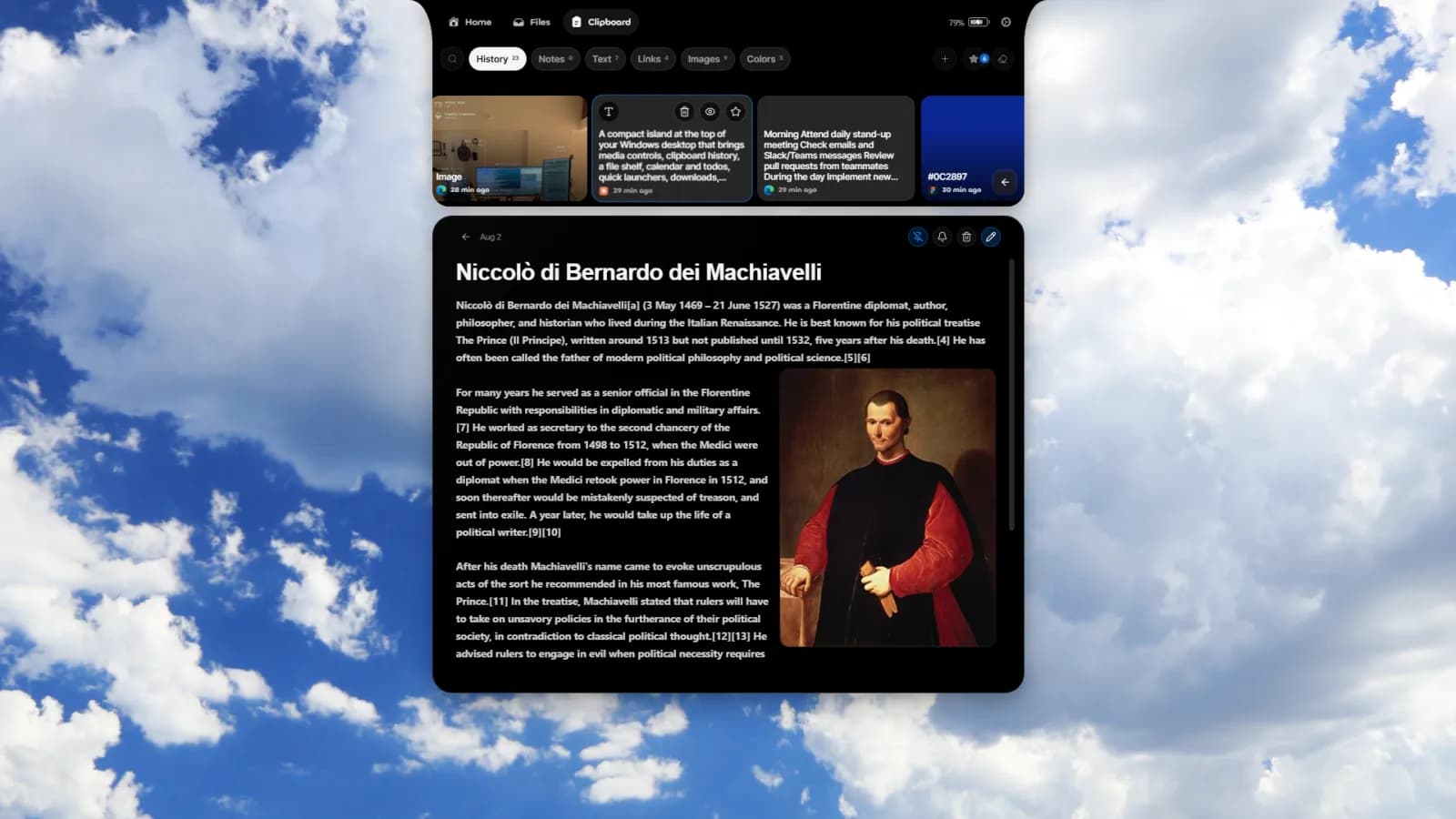
It brings together now-playing media controls, clipboard history for text, links and images, a persistent file shelf, calendar events and a date-based to-do list, quick launchers for apps and websites, browser download activity, weather, notifications, battery, a Pomodoro timer and a stopwatch.
The island stays quiet and out of the way when idle, and expands when you interact with it. Nearly everything is customizable: display, position, theme, background, scale, interaction style, which sections appear, and what shows in the compact idle state. Most data is processed and stored locally on your machine.
Built independently for Windows 10 and 11, 64-bit. One-time purchase with a 7-day trial that requires no card.
Reviews
Reviews
Hannah Brooks
1mo ago
Solid clipboard, weak hooks
Downloaded the free tier mainly for the clipboard history and it does that part well, the island layout keeps media controls and calendar visible without me alt-tabbing all day. The $19 one-time price is fair, but the site doesn't list anywhere what's actually gated behind it versus free, so I had to poke around the app to figure out which limits I'd hit. What's missing for me is any kind of integration story: no sync across machines, no way to pipe clipboard snippets into other tools, and the calendar seems to read from Windows only rather than letting me connect a work account. Took maybe ten minutes to get comfortable, so the learning curve isn't an issue, it's the ceiling that is.


