Scan Pro Receipts | OCR Expense Tracking is a finance tool listed on MediaProNet, available at tj-s.ca. Built with Kotlin and Jetpack Compose. Added in 2026. Scan Pro Receipts: offline Android receipt scanner with OCR, fiscal periods, PDF/CSV/ZIP exports…
Scan Pro Receipts is a privacy-first Android receipt scanner and expense-reporting app for freelancers, contractors, field salespeople, drivers, and small-business owners. Capture paper receipts with your camera or import images and PDFs, then use on-device OCR to extract key receipt details. Every field stays reviewable and editable before filing. Organize receipts by fiscal period and category...
- Category
- Finance
- Domain
- tj-s.ca
- Added
- Tech
- Kotlin, Jetpack Compose
- Domain Rating
- DR 25
Scan Pro Receipts | OCR Expense Tracking Preview
Open in new tab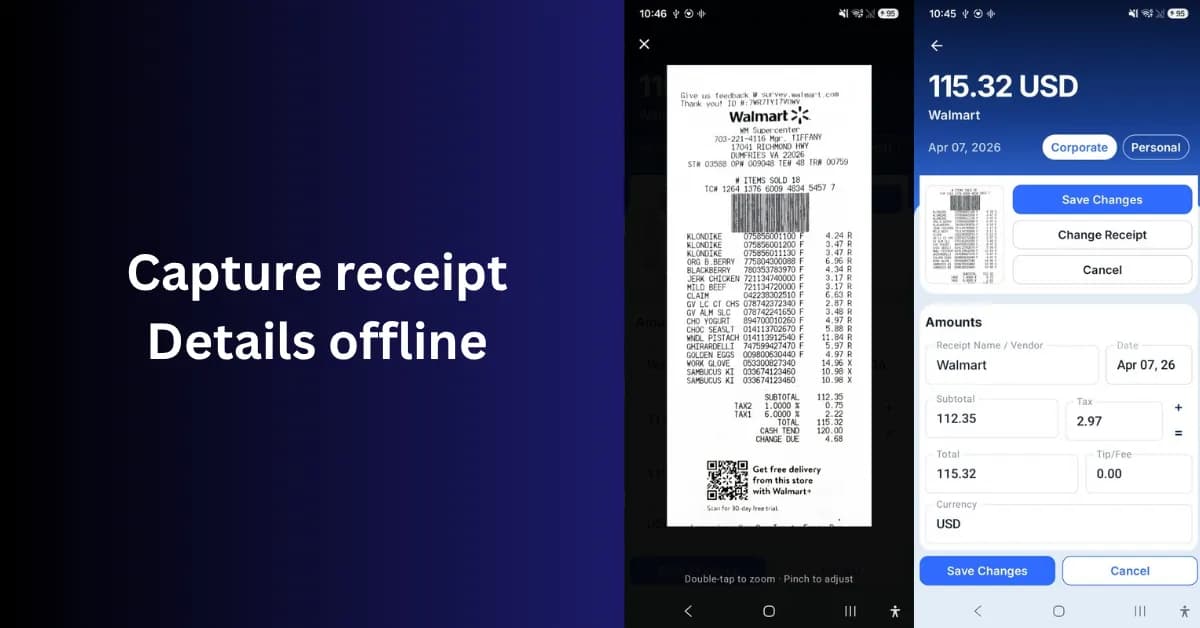
About Scan Pro Receipts | OCR Expense Tracking
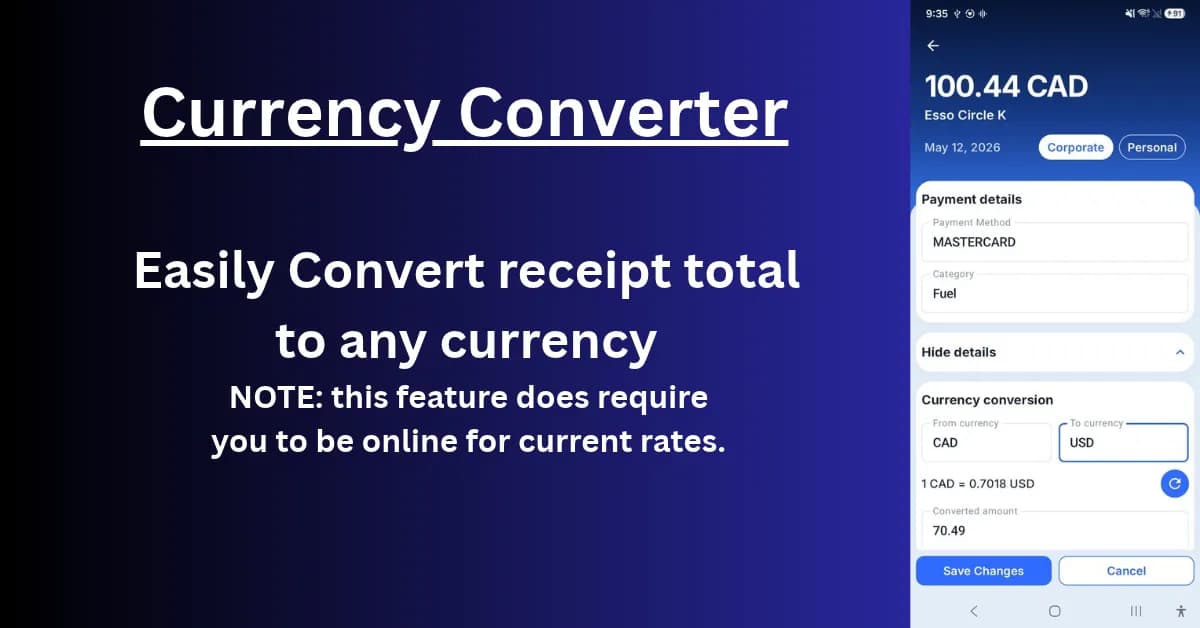
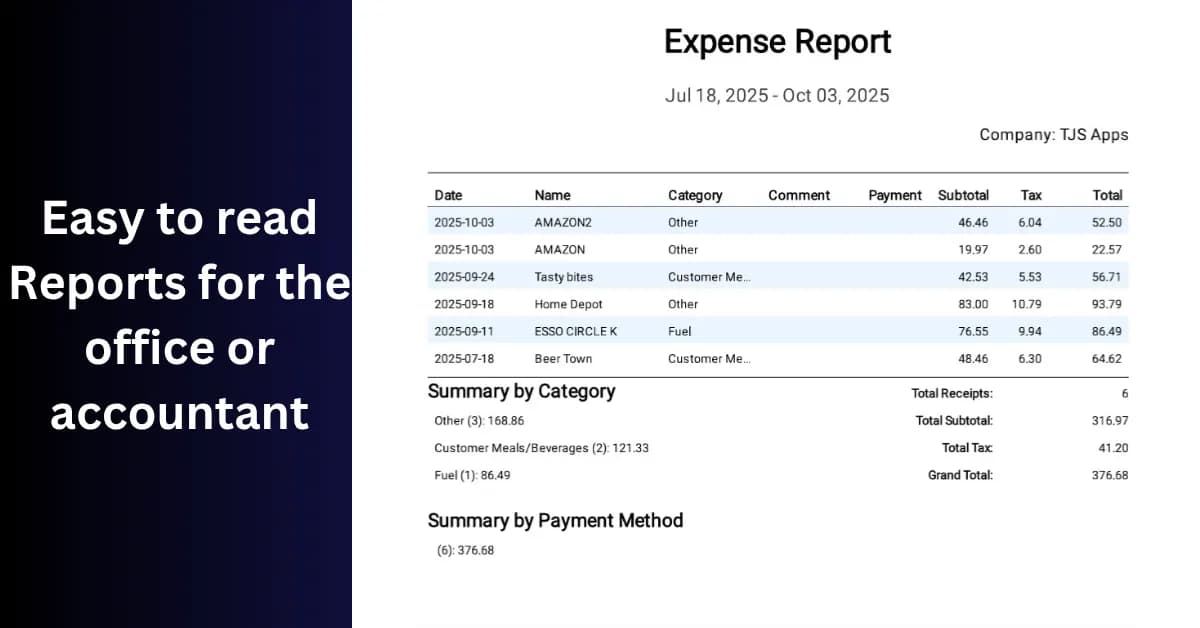
Scan Pro Receipts is a privacy-first Android receipt scanner and expense-reporting app for freelancers, contractors, field salespeople, drivers, and small-business owners. Capture paper receipts with your camera or import images and PDFs, then use on-device OCR to extract key receipt details. Every field stays reviewable and editable before filing. Organize receipts by fiscal period and category, add customer names, account codes, comments, and corporate or reimbursement labels. A built-in currency converter handles foreign receipts. Generate configurable PDF summaries, CSV spreadsheets, image-inclusive reports, and ZIP packages of cropped receipt images. The app works entirely offline in vehicles, parking garages, rural areas, job sites, and while travelling. Free Windows Desktop Companion extends the workflow for search, filtering, batch editing, duplicate review, category totals, and printing. After a 60-day full-featured trial, unlock the app with a one-time $29.99 lifetime purchase.
Reviews
Reviews
Riley Park
20d ago
Beats my old spreadsheet
I used to photograph receipts and then type every total into a spreadsheet at month end, which meant hours of catching up; now the OCR pulls amounts in on the spot and the CSV export drops right into my books. Still wish I could sync between my phone and tablet instead of moving ZIP files around.

Thanks — the spreadsheet-at-month-end routine is exactly what the app is meant to replace, so that's good to hear. On sync: it's on the list but honestly not near the top. Because backups go to a folder you choose, if that folder is on a shared drive (Google Drive, OneDrive, etc.) you can save on one device and open the archive on the other and everything comes across cleanly. It's not live sync, but it's a couple of taps rather than moving ZIPs around by hand. Right now the focus is the OCR: making scans smarter across every supported country and receipt layout. If you ever get a receipt it reads wrong, the one-tap "wrong scan" report in the app sends it to me, and those real examples are what improve it fastest.


