FlyClock is a others tool listed on MEDIAPRONET, available at shinyware.site. Added in 2026. Go fullscreen. FlyClock starts.
STOP WORRYING ABOUT TIME. START FOCUSING ON YOUR AUDIENCE. FlyClock is a presentation-sensing engine for high-stakes moments. Defending a PhD thesis, pitching to investors, or leading a training - FlyClock ensures you never forget to start the timer again. WHY FLYCLOCK? True Automation - Detects the moment your slideshow goes fullscreen and starts instantly. No clicks, no hotkeys, no forgetting...
- Category
- Others
- Domain
- shinyware.site
- Added
- Domain Rating
- DR 0
FlyClock Preview
Open in new tab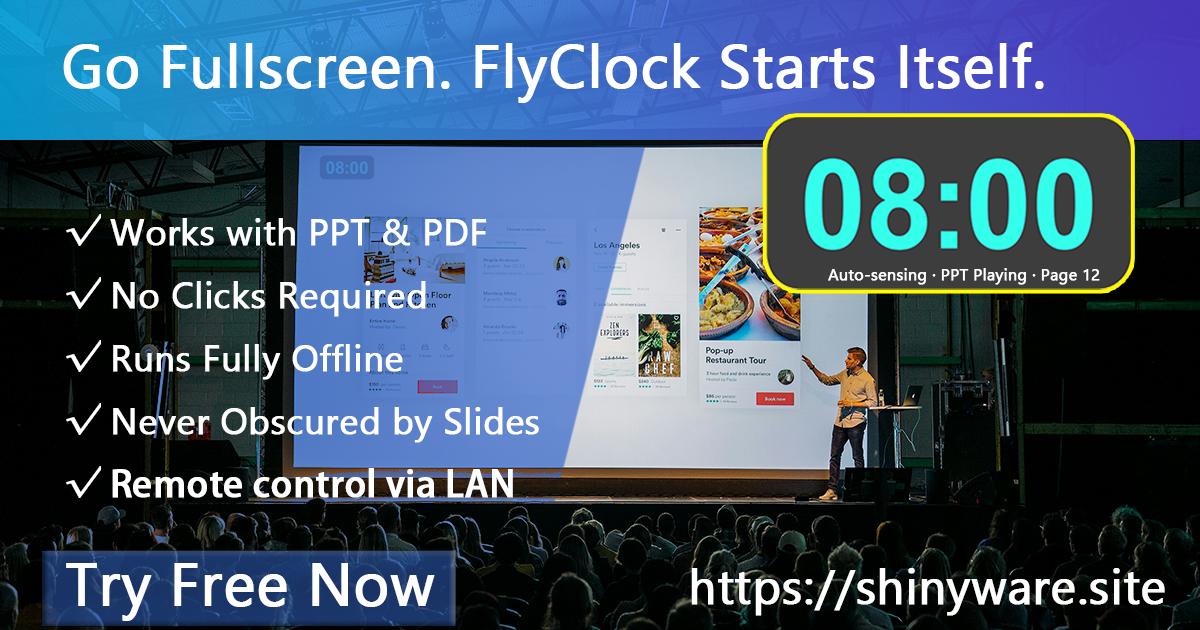
About FlyClock
STOP WORRYING ABOUT TIME. START FOCUSING ON YOUR AUDIENCE.
FlyClock is a presentation-sensing engine for high-stakes moments. Defending a PhD thesis, pitching to investors, or leading a training - FlyClock ensures you never forget to start the timer again.
WHY FLYCLOCK?
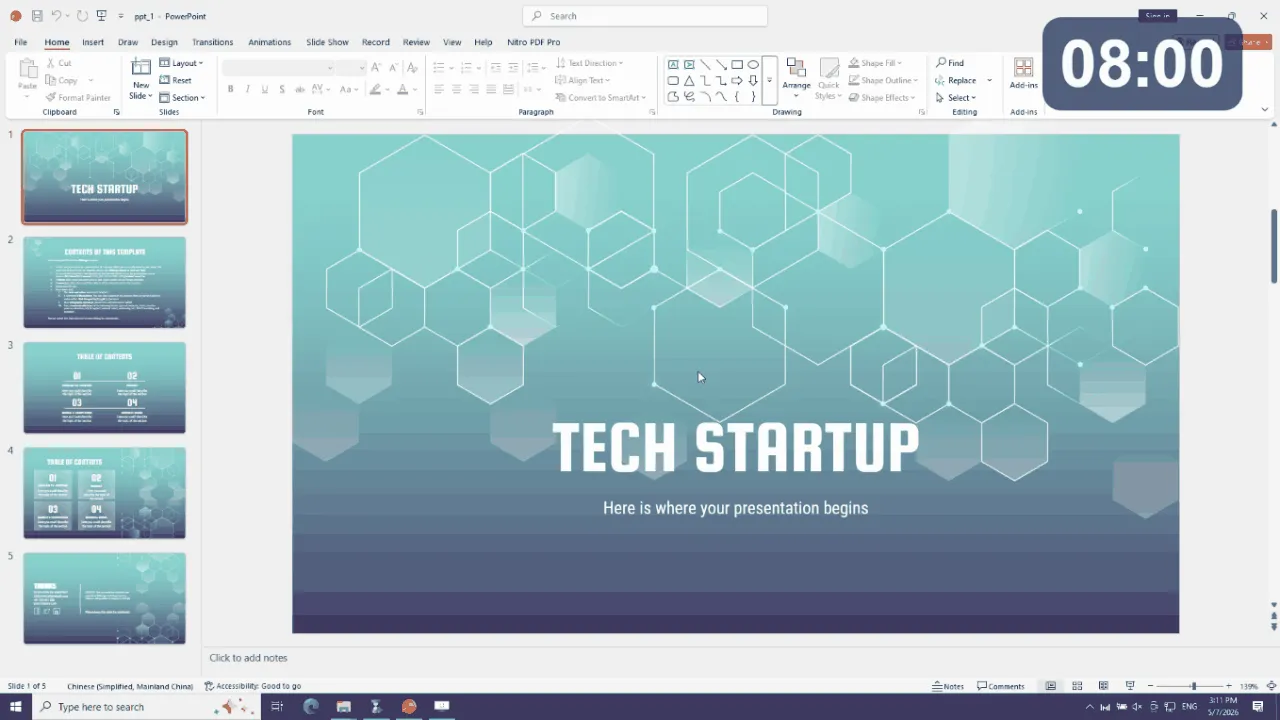
True Automation - Detects the moment your slideshow goes fullscreen and starts instantly. No clicks, no hotkeys, no forgetting.
PDF Support - The only presentation timer built for PDF slideshows. Works with Adobe Acrobat, Foxit, Sumatra, and more.
Always on Top - Low-level rendering keeps the timer visible in any screen setup.
Zero File Modification - Transparent overlay. Never touches your PPT or PDF files.
COMPATIBILITY PPT: PowerPoint, LibreOffice, WPS | PDF: Acrobat, Foxit, Sumatra, PDF X-Change
FREE TO TRY - NO EXPIRATION All core features available in trial. Remote control limited to 15 min/session.
Reviews
Reviews
4mo ago
Impressive attention to detail
Spent some time with FlyClock. FlyClock — Automatic Presentation Timer for PowerPoint & PDF | No Clicks Required: FlyClock: the only automatic presentation timer for PowerPoint . Really well thought out - covers everything you need and the execution is solid. Pricing is fair for the value you get.
Casey Doyle
1mo ago
Forgot to start the timer for the last time
Defended my masters thesis in March and the panel asked me to keep my opening under 12 minutes. I had a regular timer rigged on my phone but FlyClock auto detected the slideshow going full screen and started counting. One less thing to remember during the most nerve wracking presentation of my life.
Sam Chen
1mo ago
Small idea, perfect execution
FlyClock is one of those tools that solves a tiny annoyance so well you cannot believe nobody built it before. Auto detection on full screen is the magic moment. Used it for a pitch last week and never once had to alt tab to check the time. Great little app.
Drew Aoki
2mo ago
Best small purchase in months
Bought FlyClock after fumbling a pitch deck timer in front of three investors. The auto detect on full screen is genuinely magic. Used it twice already and the peace of mind during the actual talk is worth more than I paid. Tiny app, one job, executed perfectly.
Taylor Quinn
2mo ago
Worth installing before any important talk
If you give presentations regularly, this is the cheapest stress reduction tool you will buy. Auto detects full screen, starts the timer, gives you peripheral awareness without taking attention from your audience. Best for academics, sales pros, and anyone who has missed a time limit because they forgot to hit start. Set and forget.


