
FormatDrop is a video & audio tool listed on MediaProNet, available at formatdrop.com. Built with Next.js. Added in 2026. Convert files in your browser, nothing gets uploaded.
FormatDrop is a browser-based file converter for images, video, audio and documents. Conversion runs inside the browser tab, so files are never uploaded to a server and nothing leaves the device. It covers more than 200 format pairs, including HEIC to PNG, PDF to PNG, MP4 to GIF and DOCX to PDF, and the whole thing works without an account. The free tier needs no signup and handles files up to 10...
- Category
- Video & Audio
- Domain
- formatdrop.com
- Added
- Tech
- Next.js
- Domain Rating
- DR 13
FormatDrop Preview
Open in new tab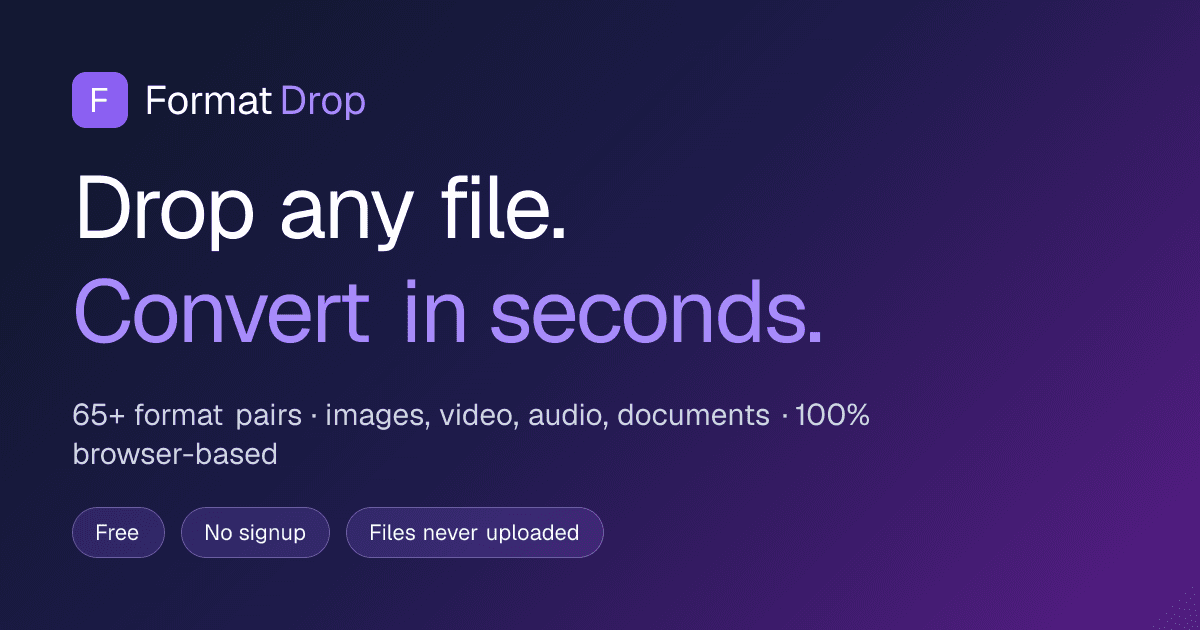
About FormatDrop
FormatDrop is a browser-based file converter for images, video, audio and documents. Conversion runs inside the browser tab, so files are never uploaded to a server and nothing leaves the device. It covers more than 200 format pairs, including HEIC to PNG, PDF to PNG, MP4 to GIF and DOCX to PDF, and the whole thing works without an account. The free tier needs no signup and handles files up to 10 MB in batches of five, with a watermark on image output. A paid Pro plan raises that to 500 MB per file, removes watermarks, and lifts the batch limit.
Reviews
Reviews
Taylor Quinn
3mo ago
Solid tool, worth checking out
FormatDrop does a good job at what it sets out to do. FormatDrop — Free Online File Converter: Convert images, video, audio, and documents free — in your browser. HEIC→PNG, PDF→PNG, MP4→GIF, DOCX→PDF, 200. I think it's best suited for people who need this specific functionality. Would love to see more integrations in the future.
1mo ago
Does the job without the upload wait
I mostly use it for HEIC to PNG when photos come off my phone and for turning short MP4 clips into GIFs, and both have been quick since everything runs in the browser instead of sitting in an upload queue. Not having to make an account or hand my files to someone else's server is the main reason I keep coming back, and the conversion picker makes it easy to find the pair you need out of the 200-plus. One thing I'd like is more control over output settings on the free tier, like GIF frame rate or PNG compression, since right now you mostly get the defaults. Still, for everyday conversions it's reliable and the paid tier is cheap enough that I don't mind it existing.


